Protected folders
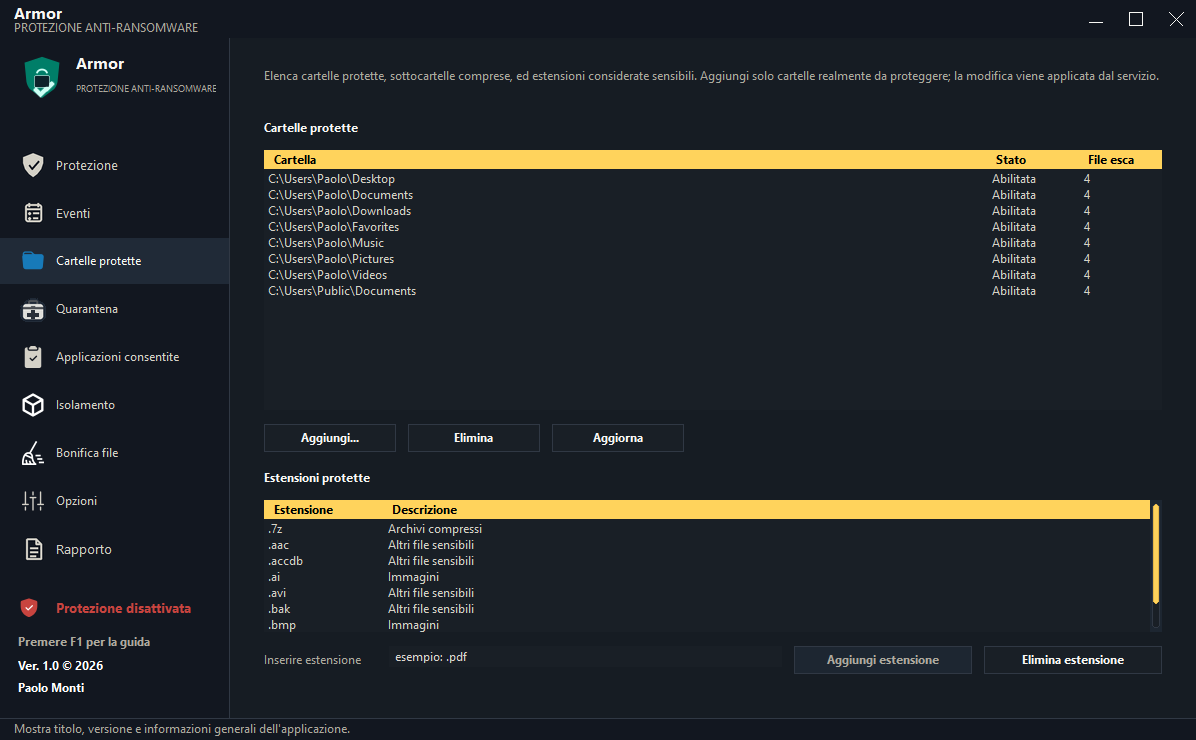
Monitors selected paths and sensitive extensions, including configured subfolders.
System protection
Armor is anti-ransomware protection for Windows. It watches selected folders through decoy files and heuristic analysis of file operations; when it detects destructive behavior, it applies the configured response and records the event.
System protection
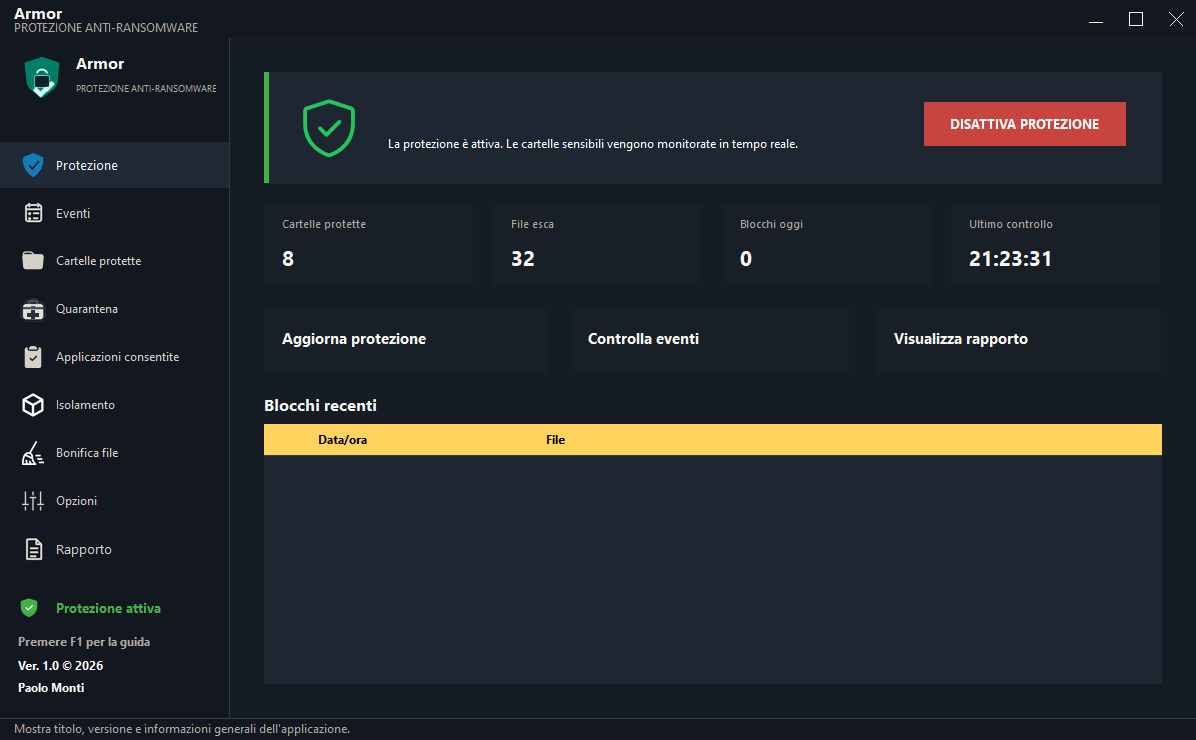
Armor protects documents, images, archives, and projects inside configured folders. By default, it combines immediate decoy-file protection with heuristic evaluation of operations affecting other files. It can block suspicious activity, constrain the responsible process, and retain operational evidence. It does not replace an up-to-date backup.
Monitors selected paths and sensitive extensions, including configured subfolders.
Detects attempts against decoy files and modification sequences consistent with ransomware encryption.
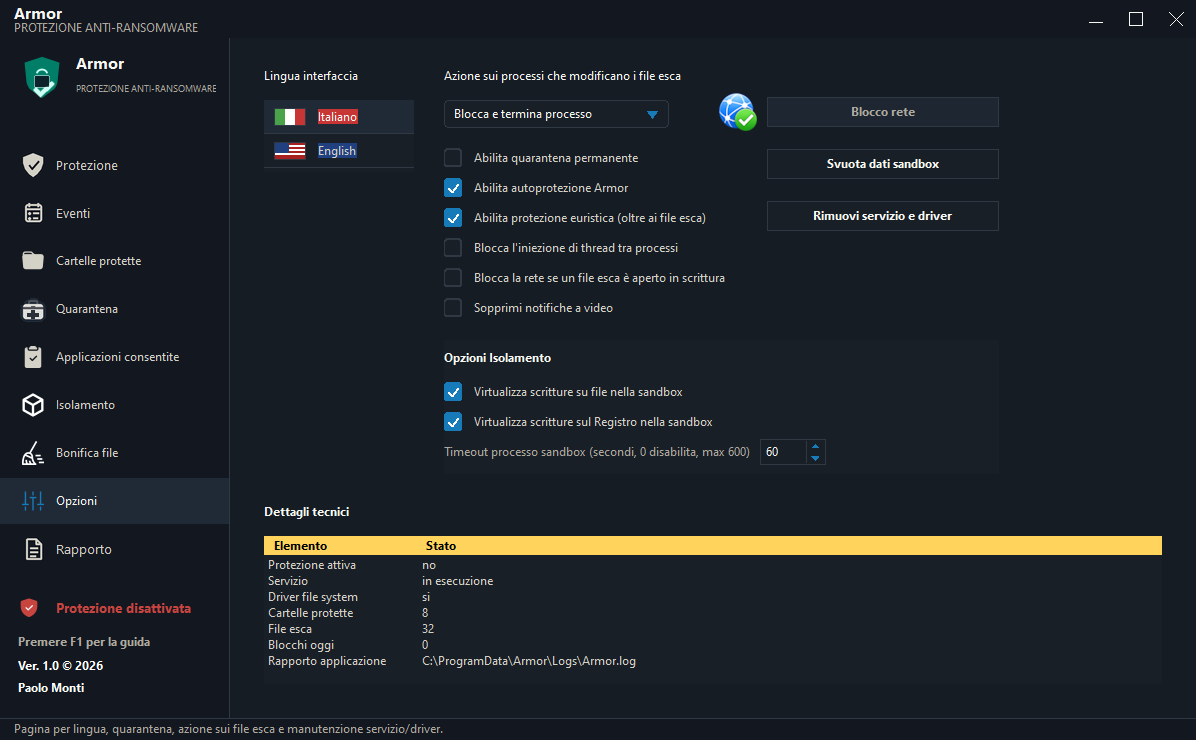
Can block and terminate the process; self-protection and anti-injection defend Armor components.
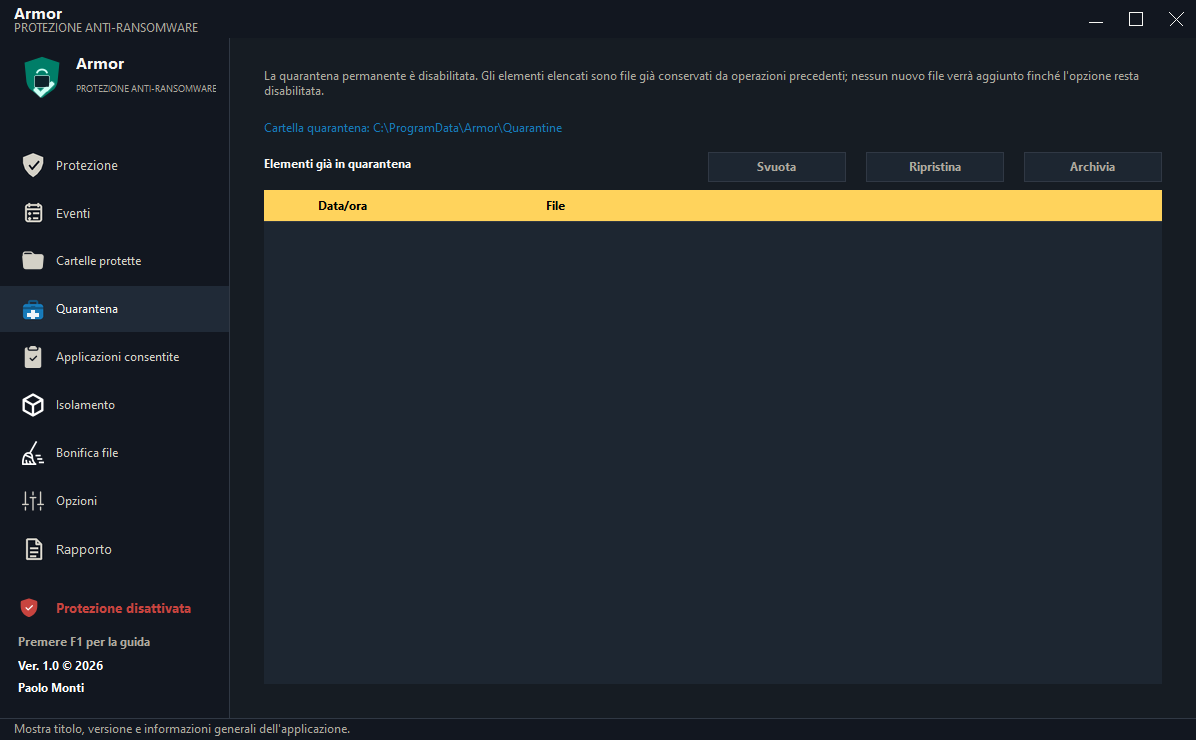
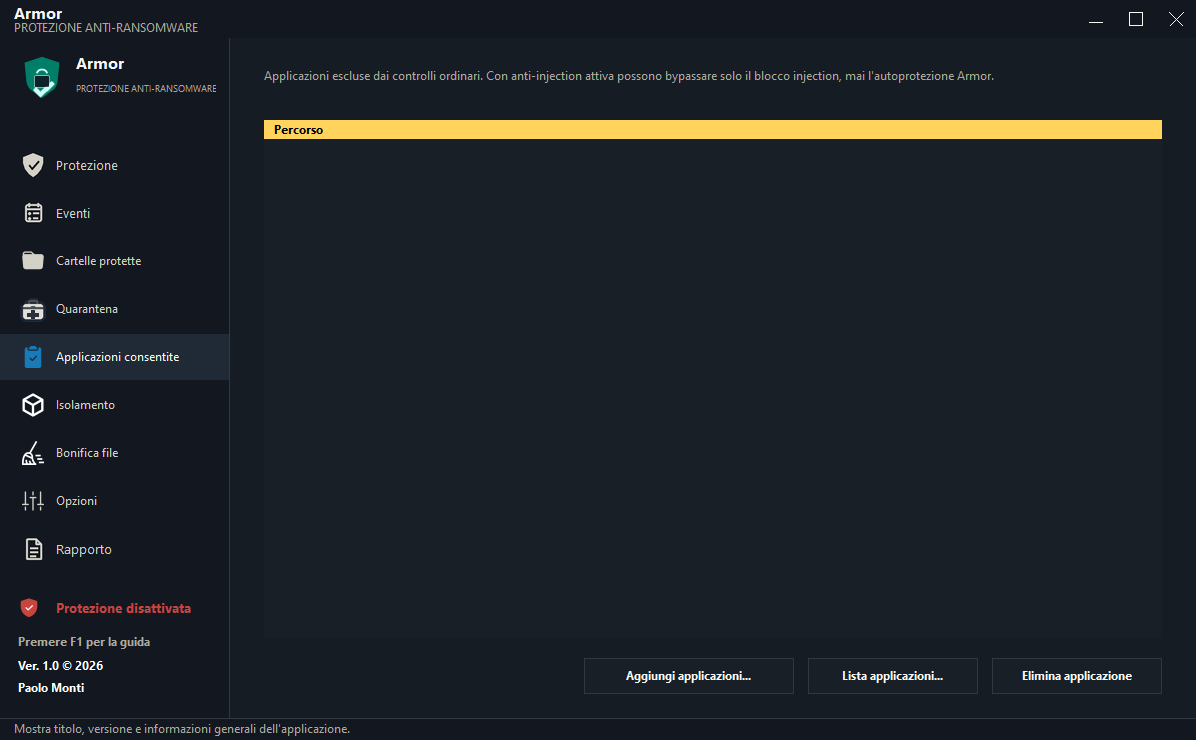
Keeps copies of items associated with blocks and grants exceptions only to trusted applications.
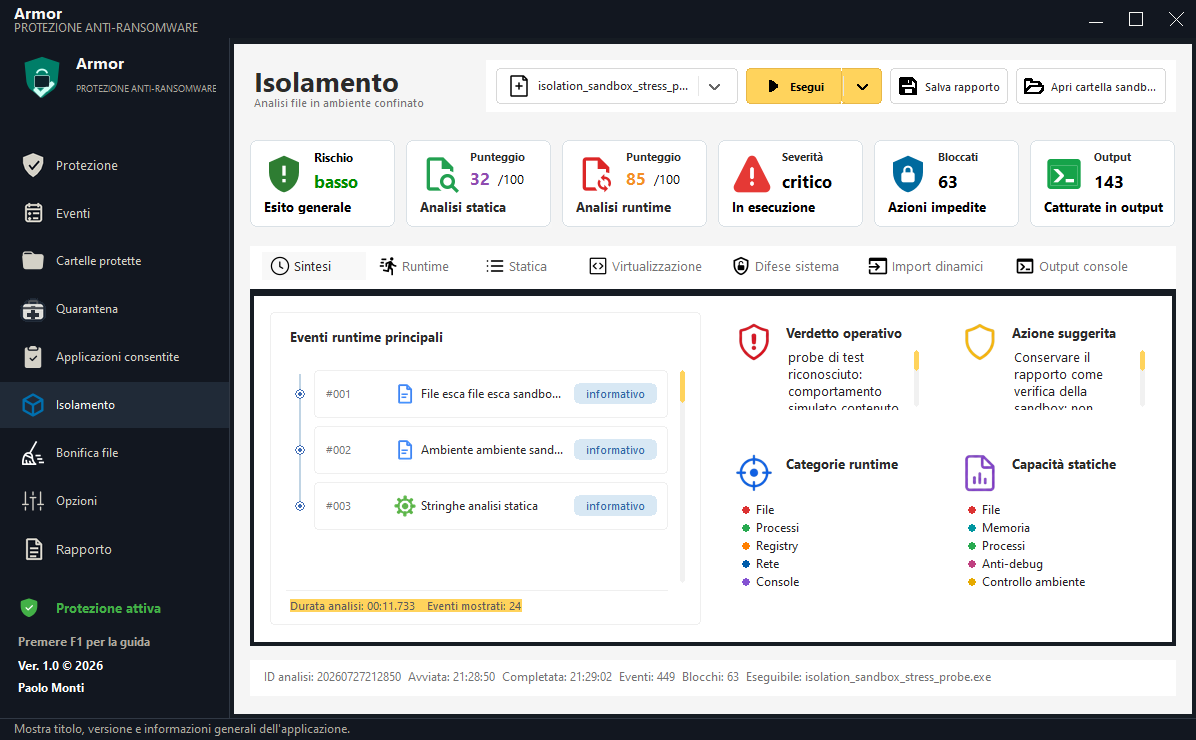
Runs samples in a separate folder while blocking or recording file, Registry, process, and network activity.
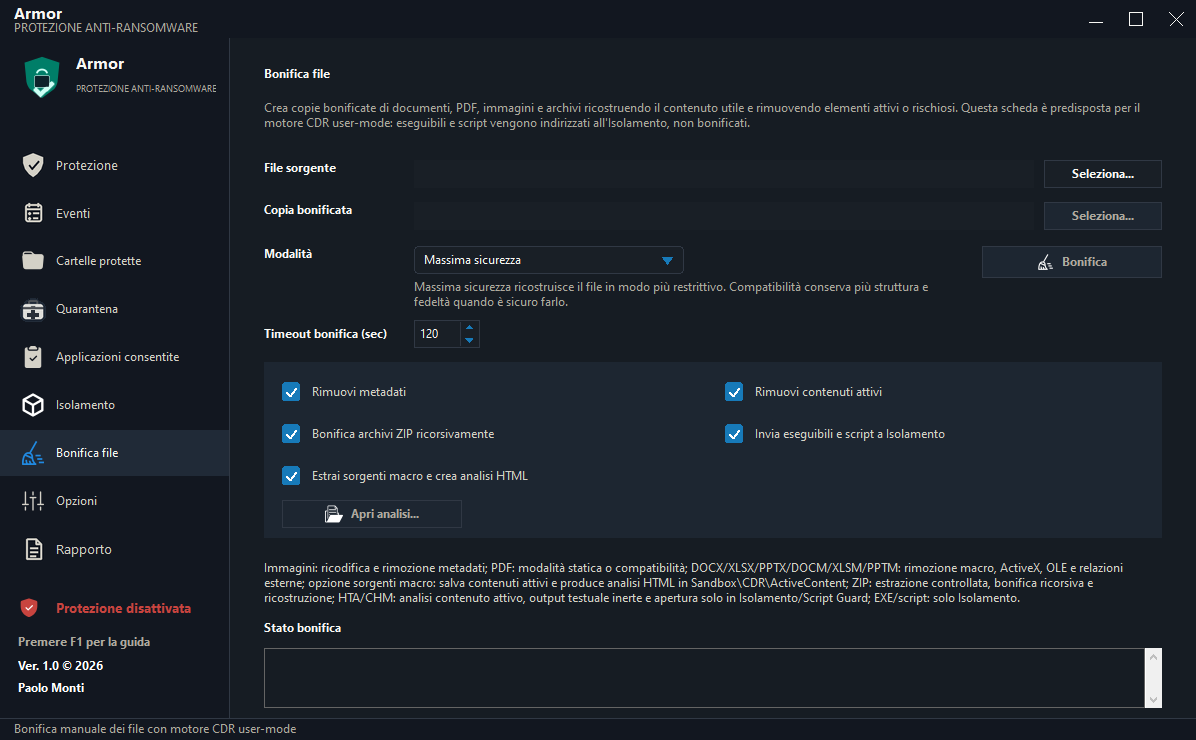
Rebuilds documents, PDFs, images, and ZIPs while removing metadata and active content; executables and scripts are isolated.
Technical deep dive
Armor works on process behavior and its effects inside protected paths. It does not only wait for a known signature: it correlates decoy files, file operations, the responsible process, and configured policy.
Protection pipeline
The driver monitors folders, subfolders, and sensitive extensions; decoy files provide an immediate signal when touched.
Heuristics correlate open, write, rename, and delete sequences with the process identity and behavior.
Depending on policy, Armor can allow, block, or terminate the process and apply the configured countermeasures.
Events, paths, operations, and results are recorded; quarantine and allowlisting separate suspicious items from trusted exceptions.
Isolation
Isolation creates a dedicated run directory, copies the sample, and prepares a controlled environment. File and Registry writes can be virtualized into the sandbox overlay; sensitive access, raw disk, child processes, and network activity are blocked or traced according to configuration.
Reduces the sample’s ability to modify real data or Registry keys and to communicate externally.
Collects file, process, Registry, and network timelines, static analysis, console output, and prevented actions.
Combines static and runtime indicators in an exportable report to support keep, delete, or investigate decisions.
Analyze a suspicious file and produce evidence without running it directly in the normal workspace.
Manual sanitization follows the same preventive CDR principle: detect the real format, rebuild allowed content, and verify the copy. Executables and scripts are not declared “clean”; they are routed to Isolation.
Isolation reduces exposure but is not an absolute guarantee against every exploit, particularly kernel-level attacks. Offline backups, patching, least privilege, and incident response remain necessary.
Real interface
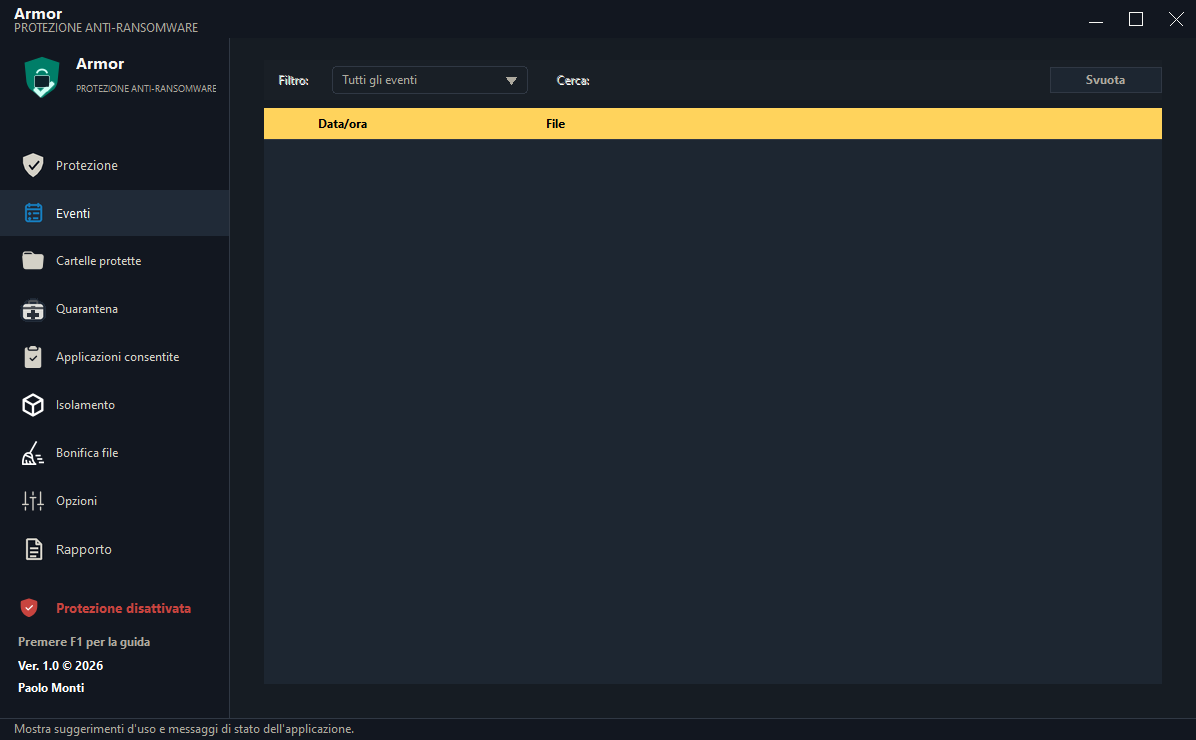
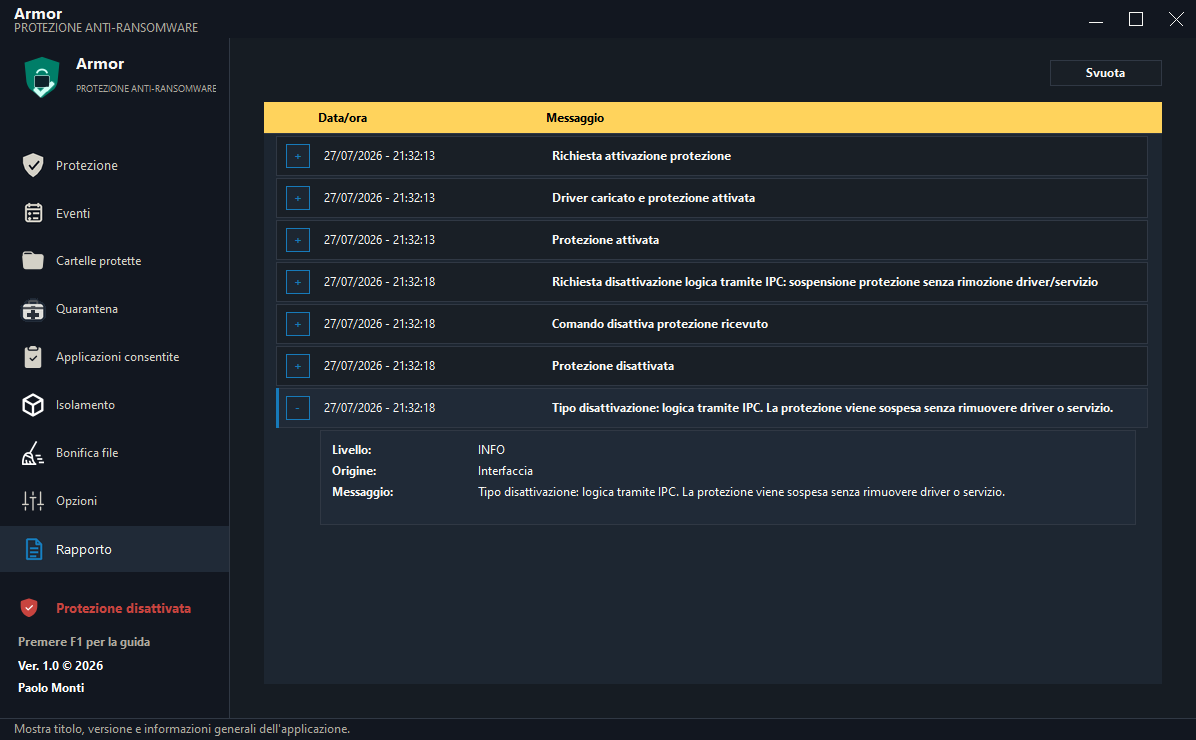
The Armor console brings together protection status, monitored folders, decoy files, recent blocks, and shortcuts to primary activities.
System protection